

Invite users via API
This guide shows how to invite users to your organization using the API. This is useful for automating onboarding workflows or granting temporary access to external collaborators.
Prerequisites:
- IcePanel account
- API key (created from
https://app.icepanel.io/organizations/:organizationId/manage/api-keys)
Steps
List current invites
Before creating a new invite, check whether the user already has a pending one:
This endpoint returns all invites, including used and revoked ones. An invite is still active if it has no usedAt or revokedAt field and its expiresAt is in the future.
Create an invite
Send an invite to a user by email. Set permission to control their access level (read, write, admin, or billing), and expiresAt to define how long the invite remains valid.
Note that invites with write or admin permission count against your paid seat limit. If you are at capacity, creating one returns a 409 error with "All organization seats have been assigned".
Invites with read permission do not count against this limit. See pricing
Note that the createdBy field in the response will be "api-key" when created via API key, not a user ID. This is useful for auditing who or what triggered the invite.
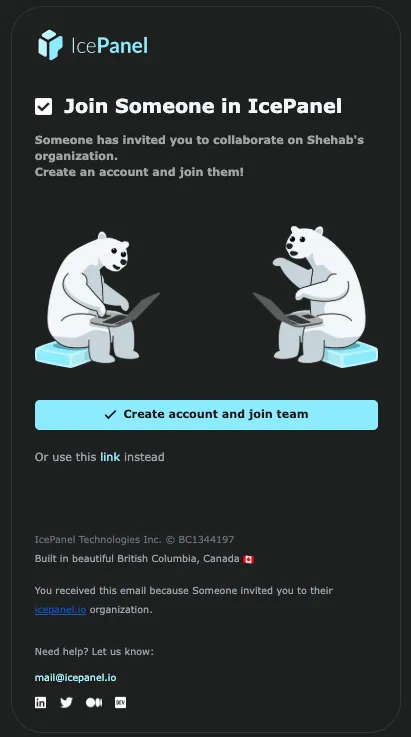
The invited user will receive an email like this:
Note the invite id in the response if you want to revoke the invite in the next step.
Revoke an invite (optional)
If you need to cancel an invite before it is accepted, revoke it using the invite ID:
The response returns the updated invite object with revokedAt and revokedBy fields populated.
This endpoint is idempotent. Revoking an already-revoked invite will not return an error. Revoked invites remain in the list returned by GET /users/invites and are not deleted.